
How Often Should You Clean Your Microcurrent Device?

Clean your microcurrent device after every use, and give it a deeper wipe about weekly. Water-safe models can be rinsed; non-waterproof ones need a damp cloth only. Skipping cleanup can spread oil, bacteria, and product residue, which can irritate skin and shorten the device’s life. This guide explains exact steps for each schedule, plus the differences for acne-prone skin and waterproof versus non-waterproof devices.
Microcurrent cleaning schedule
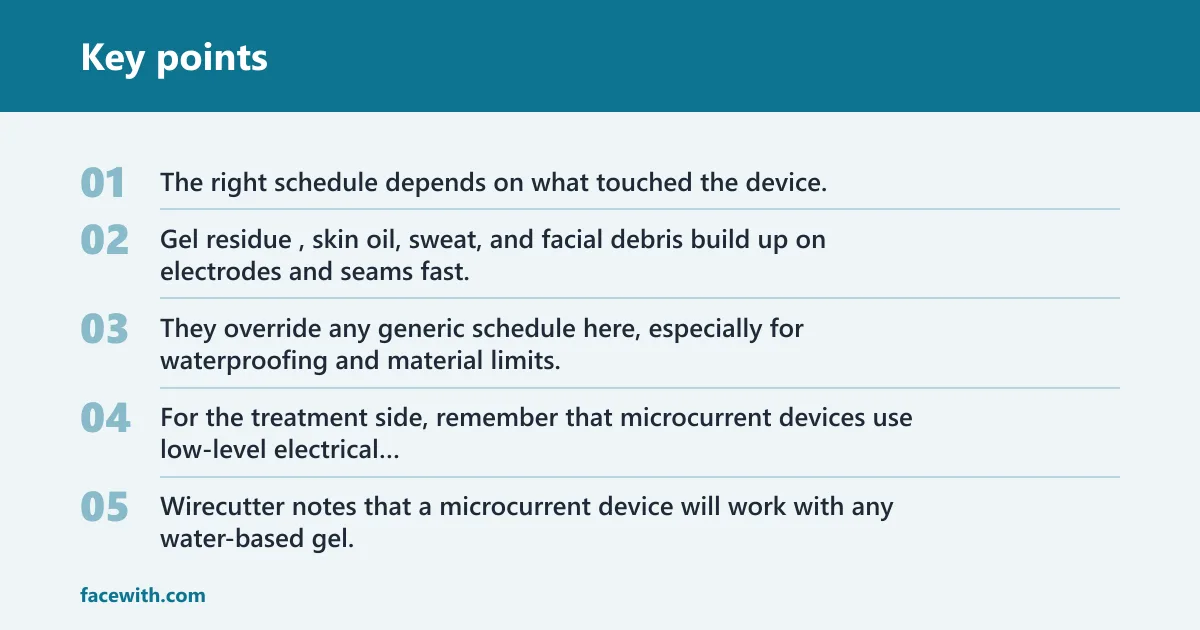
The right schedule depends on what touched the device. Gel residue, skin oil, sweat, and facial debris build up on electrodes and seams fast, so routine wiping matters even if the tool looks clean. Manufacturer instructions come first. They override any generic schedule here, especially for waterproofing and material limits.
| Scenario | Recommended cleaning action | What not to do |
|---|---|---|
| After every use | Unplug or power off the device. Wipe electrodes, metal nodes, handles, and any skin-contact surface with a soft damp cloth, then dry fully with a lint-free cloth. | Do not leave conductive gel on the surface. Do not soak the device. Do not use abrasive pads. |
| Weekly deep clean | Clean seams, around buttons, charging contacts, attachments, and storage areas. Use the method listed in the manual, with extra care around openings and edges where residue collects. | Do not spray cleaning liquid directly onto the device. Do not scrub hard enough to scratch coatings or lift seals. |
| After illness or acne flare | Do a more careful clean of electrodes, handles, removable heads, and any accessory that touched the face. If the manual allows, use the device’s approved disinfecting method and replace disposable or worn accessories. | Do not assume a routine wipe is enough. Do not share the device again until every cleaned part is fully dry. |
| Waterproof vs non-waterproof note | Waterproof or water-resistant models may allow rinsing or wet cleaning, but only within the manual’s limits. Non-waterproof models usually need a damp cloth only, with no submersion. | Do not treat every model the same. Do not dip a non-waterproof device in water, even for a quick rinse. |
For the treatment side, remember that microcurrent devices use low-level electrical currents and need conductive gel to glide and transfer current properly. Wirecutter notes that a microcurrent device will work with any water-based gel, and common alternatives can include aloe vera gel or ultrasound gel. Clean residue after use, and do not strip the skin-contact parts with harsh products.
At-home devices are typically used daily, or at least three to five times per week. The Slendertone Face study used the device five days per week for 12 weeks. That cadence means residue management becomes part of routine care, not an occasional chore.
Do you need to clean a microcurrent device after every use?
Yes. After every use, wipe off conductive gel, skin oil, and sweat from the electrodes and contact points before they dry and harden. That quick cleanup protects both the skin-contact surfaces and the electronics. It is not the same as disinfection, but it is the baseline step that keeps buildup from becoming harder to remove.
What residue builds up on electrodes
Metal nodes and electrodes collect gel first, then skin oil and fine debris from the face. Once that film dries, it can cling around the edges of the contact points and around any seams or buttons near the treatment head. If left there, it can make later cleaning harder and may affect comfort during the next session.
A common first-timer mistake is to finish treatment, set the device down, and come back later after the gel has hardened. A quick wipe right away is easier and safer than trying to remove dried residue with pressure or a rough cloth.
Why conductive gel changes the schedule
Conductive gel is water-based and designed for glide and current transfer, so it spreads across the head and leaves residue on the skin-contact parts. Even a small amount can dry in a thin layer. That is why the after-use wipe is standard, and why a weekly clean makes sense even if the device looks spotless at a glance.
The same source says a lot of serum is needed to minimize a zingy sensation, and testers needed six to eight pumps per treatment for comfort. More product on the device means more residue to remove later.
Quick wipe-down basics
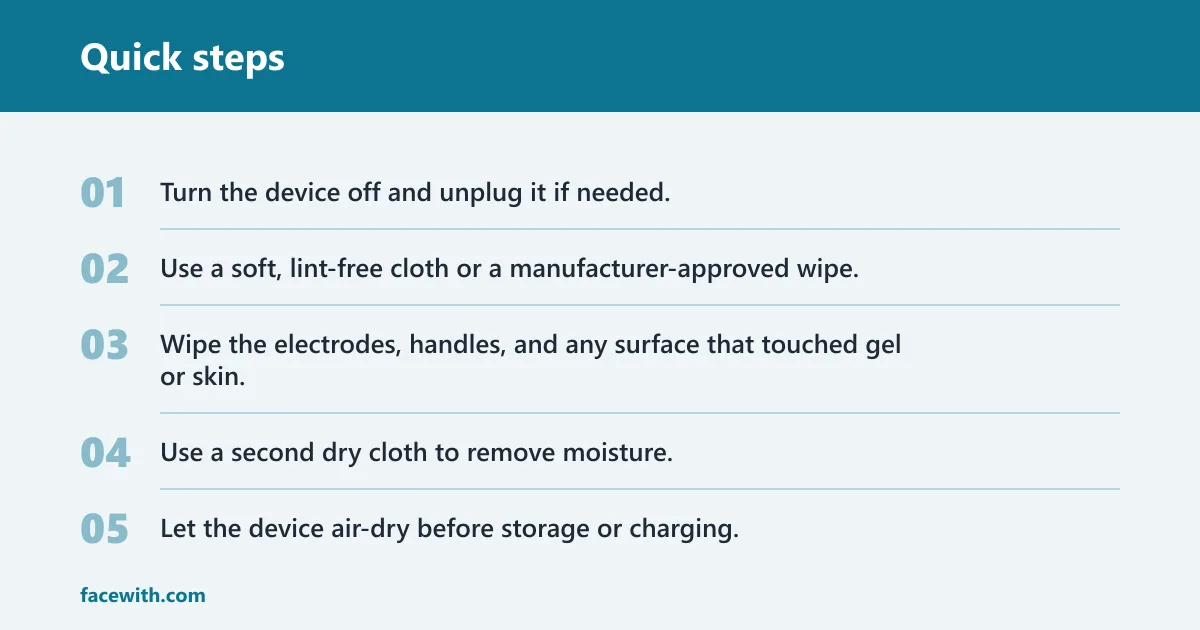
- Turn the device off and unplug it if needed.
- Use a soft, lint-free cloth or a manufacturer-approved wipe.
- Wipe the electrodes, handles, and any surface that touched gel or skin.
- Use a second dry cloth to remove moisture.
- Let the device air-dry before storage or charging.
What to clean on the device
Focus on the parts that touch skin, collect gel, or collect grime near openings. The electrodes are the highest-priority area, but handles, seams, charging contacts, and detachable heads also need attention. If the manual names a special part or coating, follow that instruction over any generic rule.
Electrodes and metal nodes
Wipe these gently. They are the contact points that matter most during treatment, and they can be damaged by harsh scrubbing or strong solvents. If the manual says to keep them dry, do that. If it allows a damp cloth, use only enough moisture to remove residue.
Handles and seams
Handles pick up gel from your hands and can trap residue along seams or button edges. Use a lightly damp cloth, then dry the area fully. Do not flood cracks or press liquid into openings, because moisture can travel where it should not.
Charging contacts and attachments
Charging contacts should stay clean and dry so the device can charge properly. Wipe them with a dry cloth unless the manual says a slightly damp one is safe. Detachable attachments need the same care as the main head: remove residue, dry them fully, then store them once no moisture remains.
How to clean it without damage
Use the mildest method that removes residue and still follows the manual. A soft cloth, a little water if allowed, and patient drying are usually enough for routine care. Harsh cleaners can damage coatings, cloud plastics, or affect seals, so stronger is not better here.
Safe cleaning supplies
- Soft lint-free cloth
- Lightly damp cloth, if the manual allows it
- Manufacturer-approved cleaning wipe or solution
- Dry cloth for final drying
What to do with alcohol wipes
Alcohol wipes are not a default choice for microcurrent devices. Some manufacturers allow them for specific surfaces, but others warn against them because they can dry out plastics, dull coatings, or affect printed labels and seals. If the manual does not clearly approve alcohol, do not use it on electrodes or charging contacts.
That caution matters more on non-waterproof devices and on parts with finish or coating. The safer rule is simple: let the manufacturer decide what the material can handle.
What never to use
- Submersion unless the manual explicitly allows it
- Abrasive pads or scrubbers
- Boiling water
- Dish soap unless the manual specifically says it is acceptable
- Random disinfectants that were not approved by the brand
Suppose a device has a slim treatment head with two metal nodes and a charging cradle. The head may be safe to wipe with a damp cloth, but the cradle may need only dry cleaning. One model can have two different rules on the same day.
How should you clean it if you used it on acne-prone skin?
If the device touched inflamed or acne-prone skin, step up from a routine wipe to a more careful clean of the electrodes, handles, and any removable parts. The goal is to remove residue and reduce the chance of moving debris or bacteria to the next session. Replace worn accessories if they cannot be cleaned thoroughly.
When to step up from routine cleaning
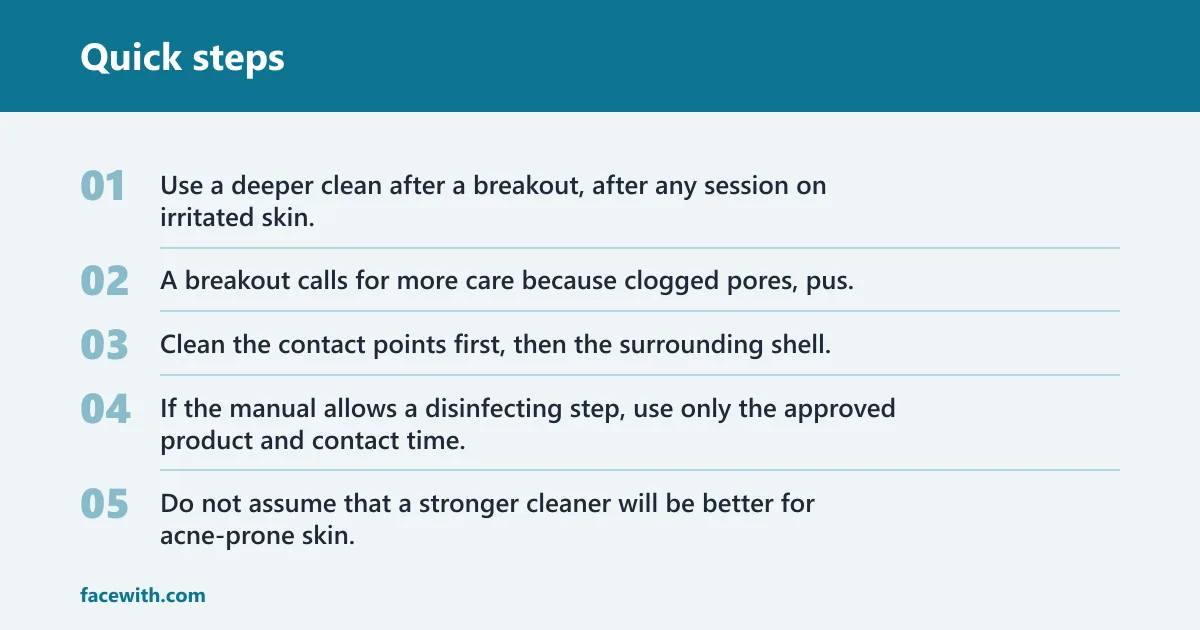
Use a deeper clean after a breakout, after any session on irritated skin, or whenever the device touched active blemishes. Routine wiping removes fresh gel and oil. A breakout calls for more care because clogged pores, pus, and inflamed skin can leave more contamination behind.
Extra care for acne-prone skin
Clean the contact points first, then the surrounding shell, then any accessory that touched the skin. If the manual allows a disinfecting step, use only the approved product and contact time. Do not assume that a stronger cleaner will be better for acne-prone skin. It may damage the device instead.
When to replace accessories
Replace disposable or worn accessories if the surface is rough, cracked, or hard to fully clean. That matters for gel caps, pads, or detachable heads that keep residue in small creases. If you cannot clean an accessory to a normal level of cleanliness, replacement is safer than forcing it.
Do not use the device on new active breakouts if your clinician has told you to avoid facial electrical treatments. CNN advises waiting two weeks post-injections before using a microcurrent device, and that same kind of pause applies to any situation where skin needs time before a routine starts again.
How do you disinfect a microcurrent device after being sick?
After illness, use a more careful cleaning step than the usual wipe-down, especially on the electrodes, handles, and any removable parts that touched skin. If the manual allows a disinfecting product or cycle, use that method. If not, clean thoroughly, dry fully, and keep the device separate until the next safe use.
What changes after illness
Illness raises the bar because you are not dealing with ordinary facial oil and gel alone. Clean every skin-contact surface, pay attention to seams and attachments, and dry the device completely before storage. If sharing is common in a household, do not share the device again until it has been cleaned and dried properly.
How to reduce cross-contamination
Wash your hands before and after cleaning the device. Clean the tool on a separate cloth or towel from other bathroom items. If the device came with a stand, charging base, or storage bag, clean those too if they may have contacted contaminated hands or accessories.
Waterproof vs non-waterproof devices
Waterproof and non-waterproof microcurrent devices do not get the same cleaning routine. A water-safe model may allow a rinse or a wetter clean if the manual says so. A non-waterproof device usually needs a damp cloth only, with every drop kept away from openings, ports, and unsealed seams.
How the manual changes the method
The manual is the rulebook. It tells you whether the device can be rinsed, whether a disinfecting wipe is safe, and which parts must stay dry. That matters because coating materials, seals, and charging ports vary from brand to brand. Generic advice is useful only when it does not conflict with the instructions.
What can be rinsed or wiped?
Only water-safe parts can be rinsed, and even then, the rinse should stay within the device’s rating. For many units, a damp cloth on the treatment head is the limit. Wipe the outside, dry the contact points, and leave the rest alone unless the brand says otherwise.
What should stay dry?
Charging contacts, internal openings, and any part the manual marks as dry-only should stay dry. That includes most non-waterproof models. If you are unsure, treat the device as dry-only until you confirm the rating in the manual.
Allure’s editors recommend starting at the lowest intensity for beginners, and that advice pairs well with careful maintenance. The device may beep during treatment, but the sound does not change the cleaning routine. Clean the residue the same way each time, then store it dry.
Frequently asked questions
How often should you clean your microcurrent device?
Clean it after every use, then do a more thorough wipe weekly. If the device was used after illness, on acne-prone skin, or with extra gel, step up the cleaning. Manufacturer instructions come first, especially if the device has special coatings, seals, or a waterproof rating.
What should you use to clean microcurrent device electrodes?
Use a soft lint-free cloth, and if the manual allows it, a lightly damp cloth or an approved cleaning wipe. Wipe the metal nodes gently so you do not damage coatings or force liquid into openings. If the brand specifies a product, follow that over any generic cleaning habit.
Can you use alcohol wipes on a microcurrent device?
Only if the manufacturer says they are safe for that exact device and surface. Alcohol can damage plastics, dull coatings, or affect seals and labels. If the manual does not approve alcohol wipes for electrodes, handles, or charging contacts, choose a milder method instead.
How should you clean a microcurrent device if you used it on acne-prone skin?
Do a more careful clean than usual, with extra attention to the electrodes, handles, and removable parts. Replace any accessory that is worn or hard to clean. If the manual allows a disinfecting step, use it exactly as directed. Do not assume a routine wipe alone is enough.
Are waterproof microcurrent devices cleaned differently?
Yes. Waterproof or water-resistant models may allow rinsing or a wetter clean, but only within the manual’s limits. Non-waterproof devices usually need a damp cloth only and should not be submerged. The cleaning schedule is similar, but the method is not.


